Product details
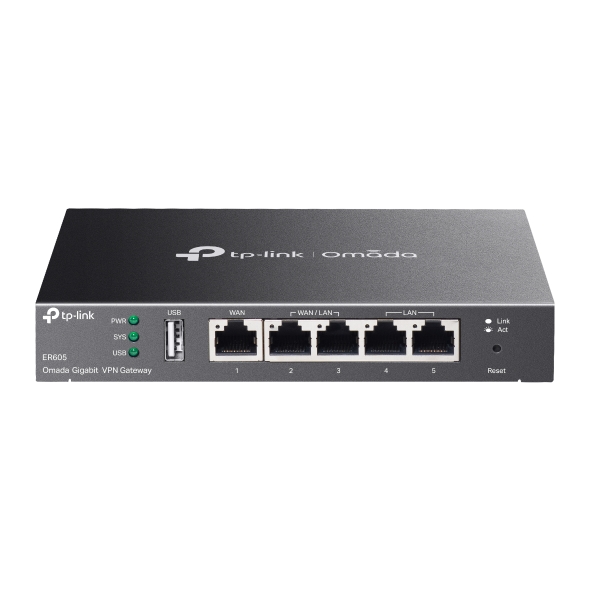
TP-Link ER605 (TL-R605) Gigabit Multi-WAN VPN Router – Secure, Scalable Business Networking for SMEs and Enterprises in Kenya
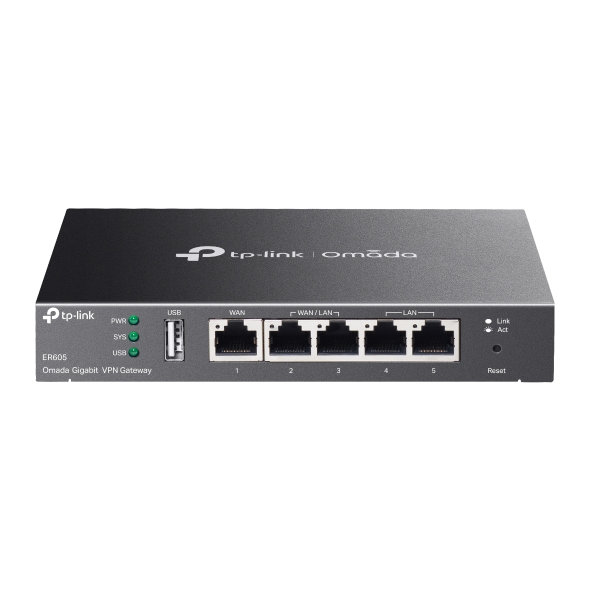
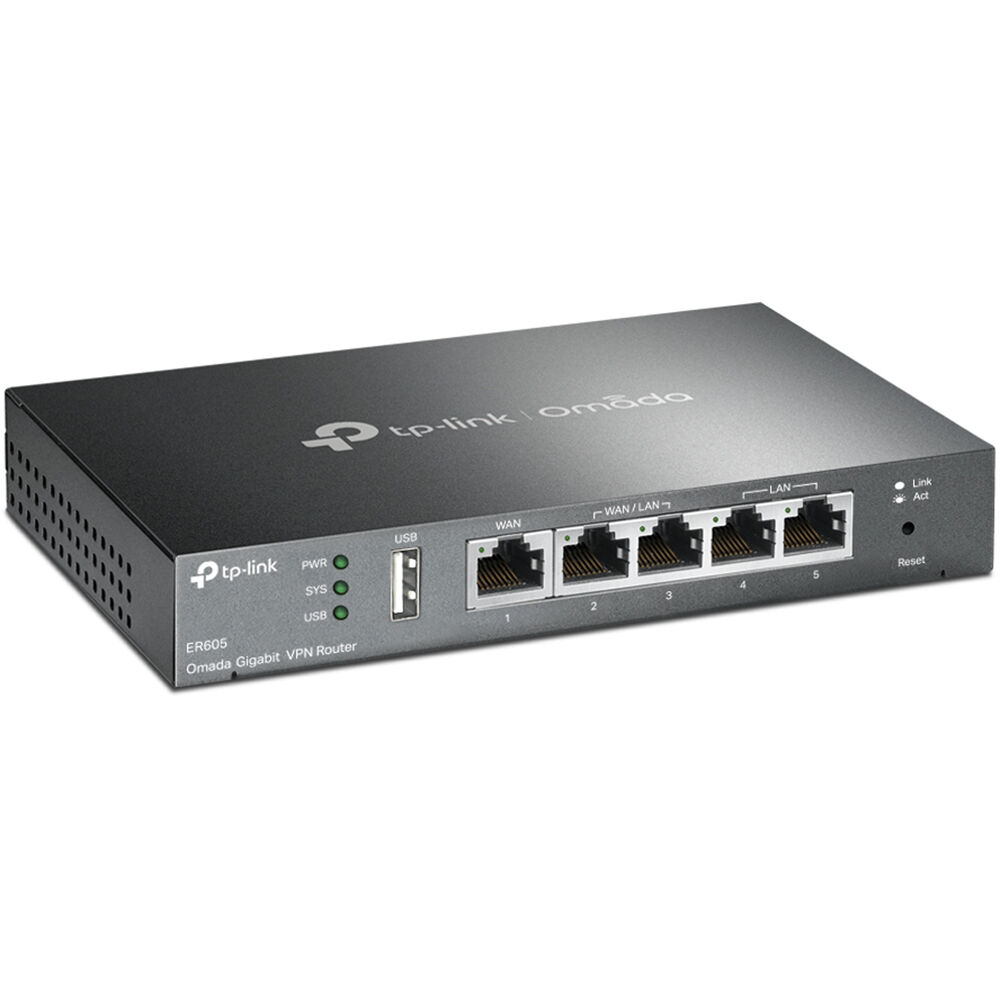
Power your business with secure, stable, and scalable internet using the TP-Link ER605 Gigabit VPN Router – a professional-grade, multi-WAN VPN router built for small to medium enterprises (SMEs), offices, cyber cafés, ISPs, schools, and growing businesses across Kenya. Designed to support multiple internet connections, strong VPN encryption, and centralized cloud management, the ER605 delivers robust performance for modern Kenyan businesses that require reliable uptime and data security.
Part of TP-Link’s Omada SDN platform, the ER605 offers seamless integration with other Omada switches and access points for end-to-end cloud-managed networks, helping you maintain full control of your infrastructure, whether you’re in Nairobi, Mombasa, Eldoret, Kisumu, Nakuru, or rural Kenya.
Key Features:
✅ Gigabit Multi-WAN Load Balancing & Failover
Supports up to 4 WAN ports (1 dedicated WAN, 1 WAN/LAN, and 2 configurable LAN/WAN ports) to connect multiple ISPs (Safaricom, Faiba, Zuku, Liquid Telcom, Telkom) – ensuring bandwidth aggregation for higher throughput or auto failover during downtime.
✅ Advanced VPN Support – IPSec, OpenVPN, L2TP, PPTP, GRE & SSL VPN
Establish secure site-to-site or remote VPN tunnels with military-grade encryption. Perfect for remote workers, branch offices, and corporate networks needing data security and remote access.
✅ Centralized Cloud Management with Omada SDN
Manage your entire network from anywhere via Omada Cloud – ideal for IT professionals managing multi-location setups or networks in different regions of Kenya.
✅ Enterprise-Class Security Features
- SPI Firewall, DoS Defense, URL & IP Filtering
- Access Control & VLAN Support
- Securely segment your network and prevent internal and external threats.
✅ Load Balancing + Smart Bandwidth Management (QoS)
Automatically distribute traffic across multiple internet connections and prioritize mission-critical traffic for VoIP, POS systems, streaming, or online meetings.
✅ Durable Metal Housing & Fanless Design
Built for 24/7 operation in demanding environments – from server rooms to dusty shops and high-traffic cyber cafés.
✅ Multiple VPN Connections – Ideal for Growing Teams
Supports 20 IPSec VPN tunnels, 16 L2TP/PPTP tunnels, and up to 16 OpenVPN tunnels – suitable for businesses with remote workers or branch offices.
✅ Seamless Integration with TP-Link Omada Access Points & Switches
Create a fully managed, scalable network by pairing with Omada EAP Wi-Fi access points and JetStream switches.
Ideal For:
- Offices and businesses across Kenya needing secure internet and VPN access
- Cyber cafés, SACCOs, and schools using multiple ISPs or needing failover protection
- Retail chains and franchises with branches needing remote management
- IT service providers & network admins managing networks remotely
- ISPs offering managed networks for businesses or apartment buildings
✅ Why Choose TP-Link ER605 in Kenya?
- Works perfectly with Kenyan ISPs like Faiba, Zuku, Safaricom, Telkom & Liquid
- Trusted TP-Link build quality with local warranty and after-sales support
- Ideal for businesses expanding their networks with Omada SDN integration
- Excellent for fiber-to-the-office (FTTO) setups, server rooms, and cyber defense
- Fast shipping across Kenya – Nairobi, Mombasa, Kisii, Thika, Machakos, Kisumu & more
Order TP-Link ER605 VPN Router Today – Secure Your Network, Scale Your Business
Don’t compromise on connectivity or network security. Whether you’re building a robust cyber café setup, running a school with remote learning needs, or managing a fast-growing business with multiple branches — the TP-Link ER605 Gigabit VPN Router ensures that your network stays fast, secure, and under your control.
TP-Link ER605 – The Smart VPN Router Built for Modern Kenyan Businesses. Secure Connections, Load Balancing, and Cloud Control at Your Fingertips. Order Now.
Package Content
- ER605
- Power Adapter
- RJ-45 Ethernet Cable
- Quick Installation Guide